
What shipped since our last update
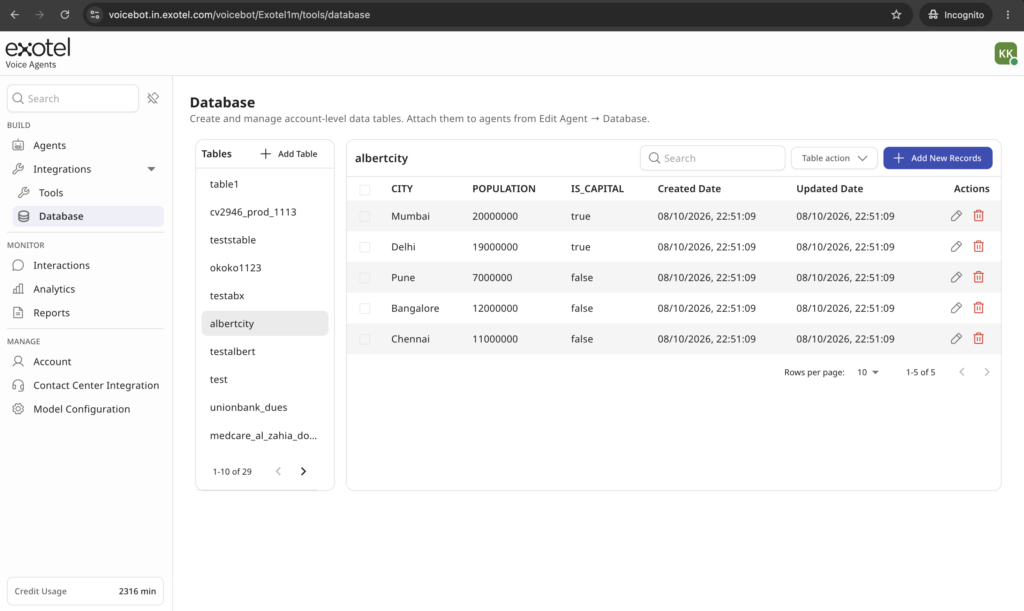
Bots can personalise calls from your own data. Database tables now live at the account level, so any bot can use them. Import your data in the UI, and before the conversation starts the bot looks up the caller, for example by phone number, and uses what it finds. It can greet the caller by name or bring up their order or account details. For a quick campaign, you can import a few rows of sample data and have a personalised bot running in minutes, with no integration work.
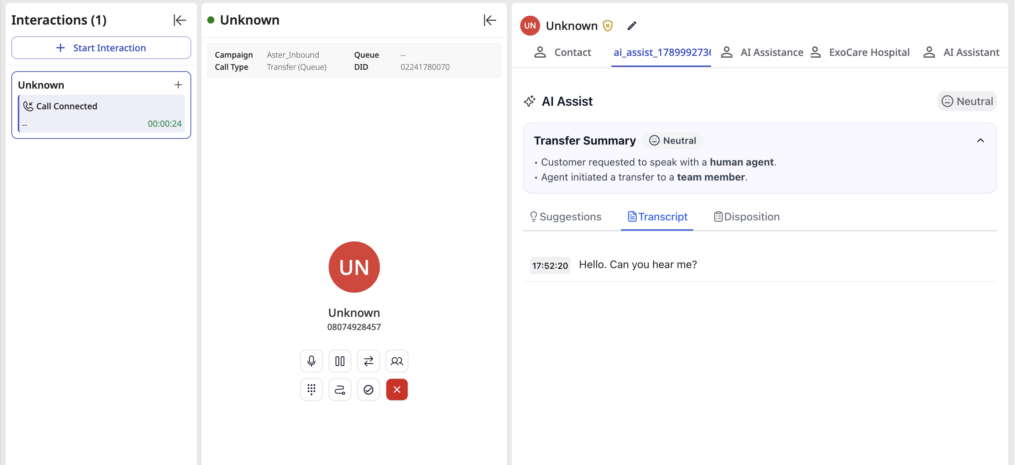
When a bot hands off a call, the agent gets the context. At transfer, the bot now passes along the caller’s intent, sentiment and a conversation summary, so the agent doesn’t have to ask the caller to start over.
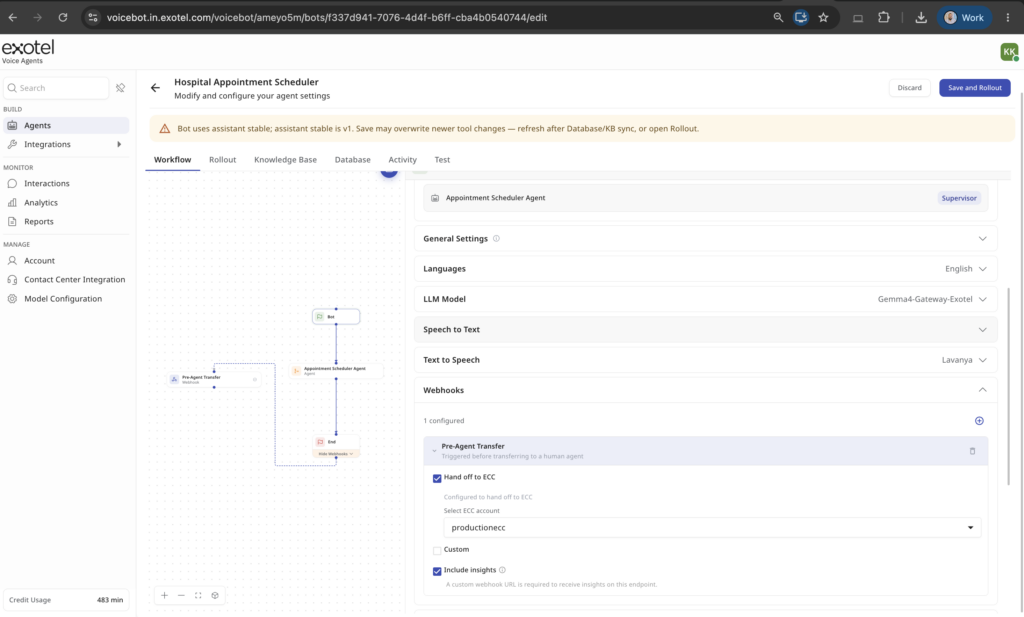
If you use a pre-agent transfer webhook, a new checkbox adds insights, entities and session values to that webhook’s request body. It’s off by default.
Calls transferred to a supervisor now have recordings. Calls the bot hands to a supervisor are recorded and available like any other call.
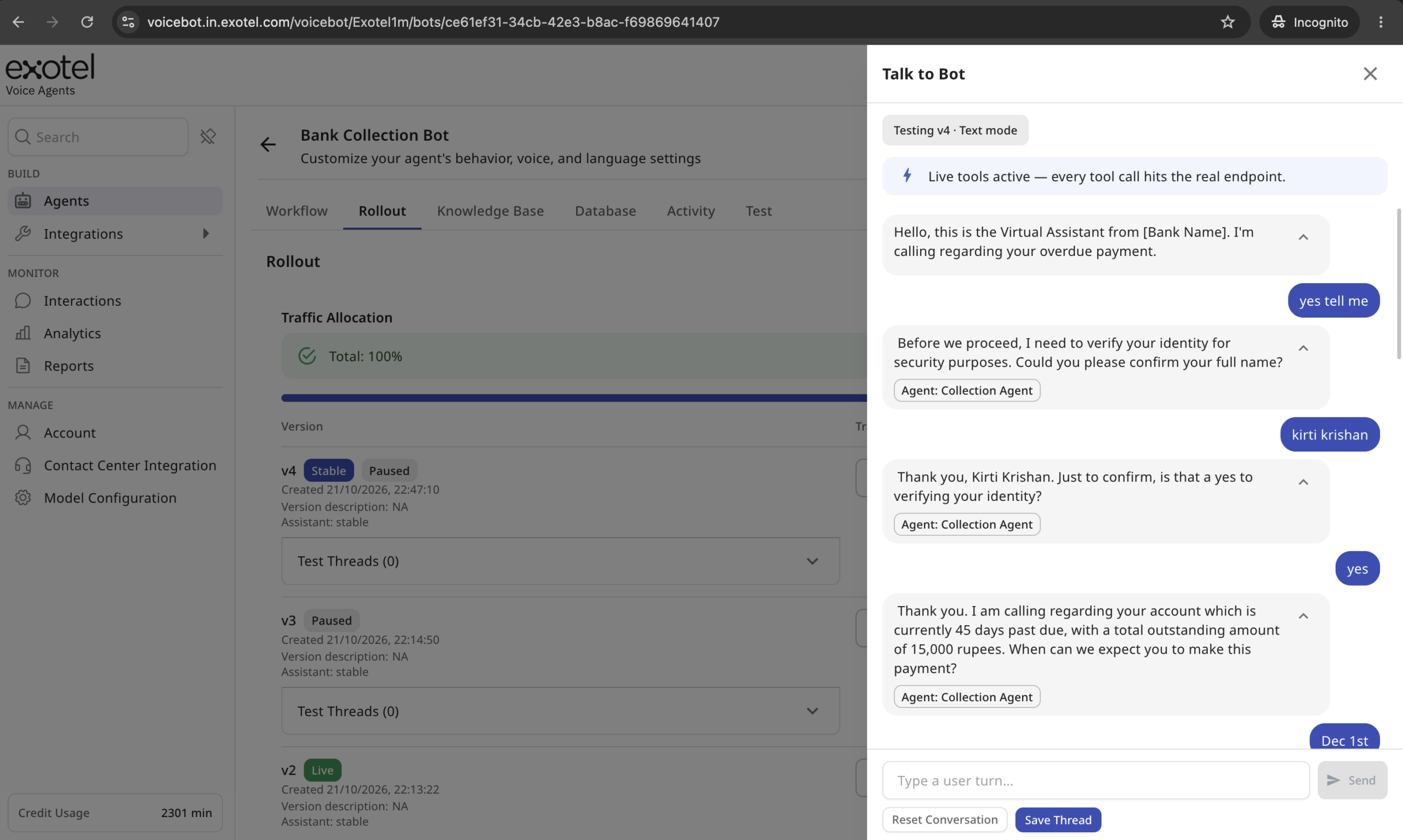
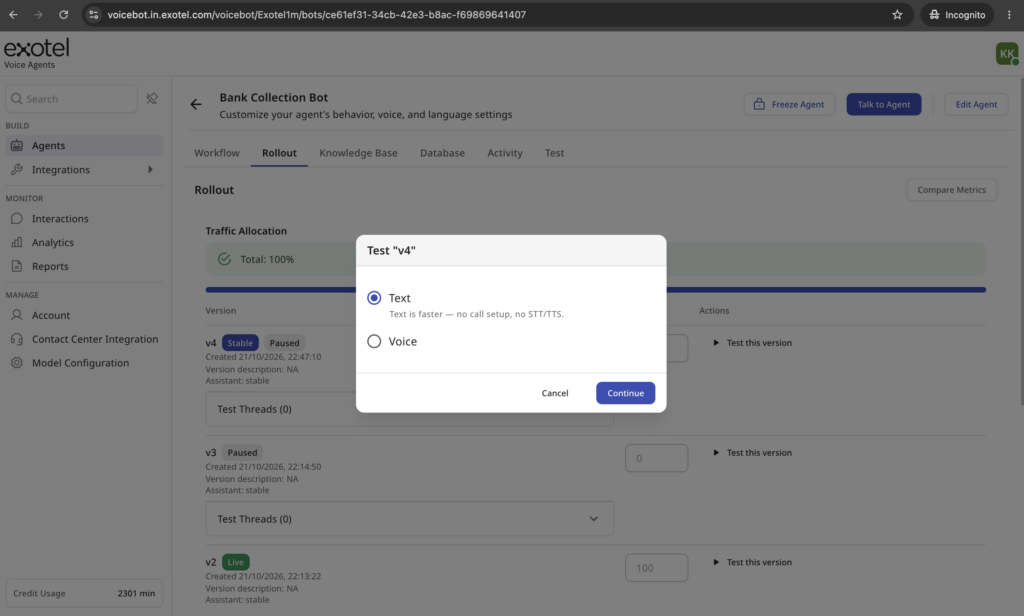
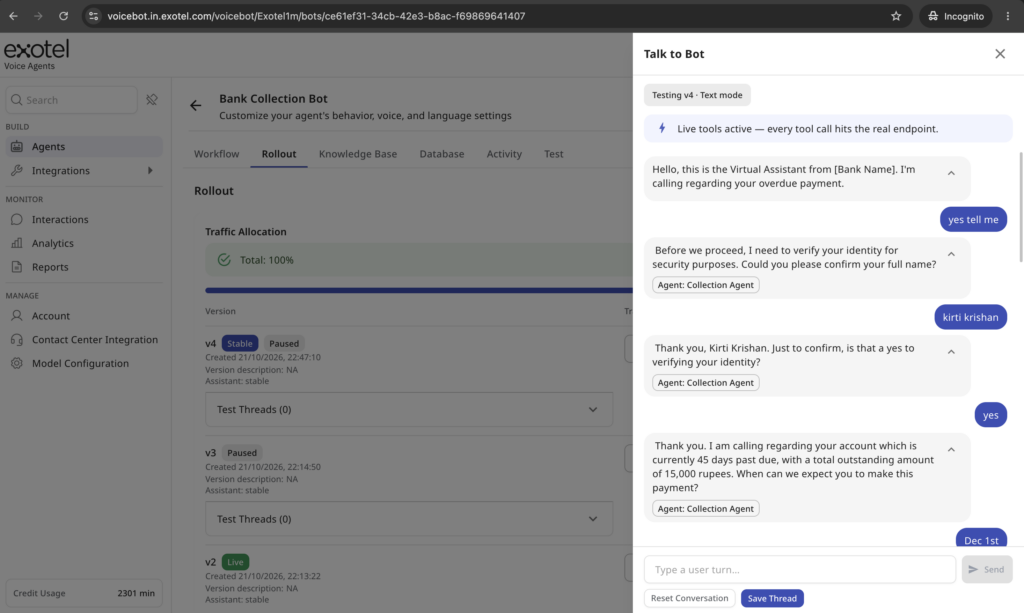
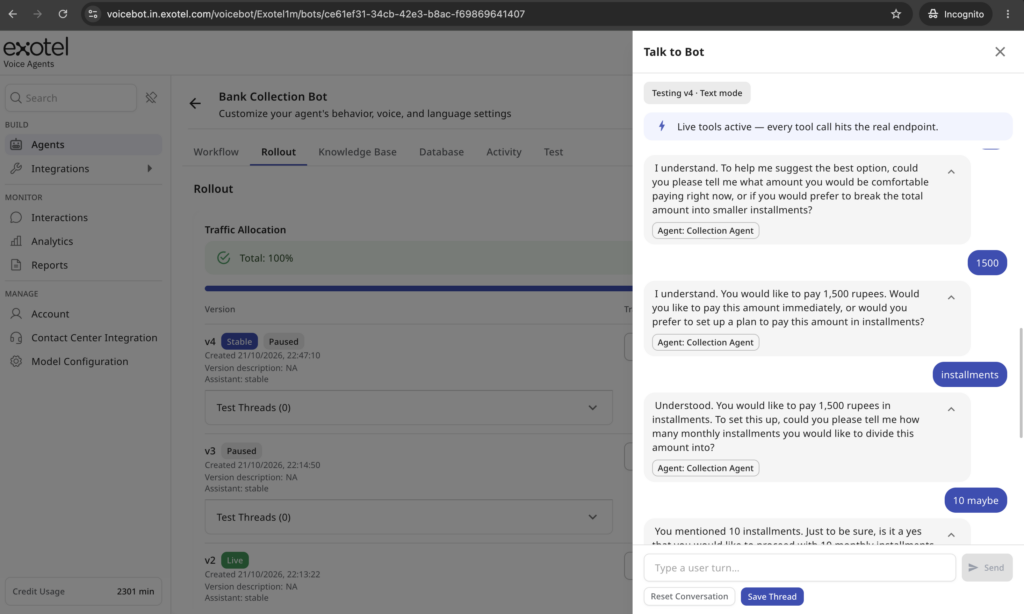
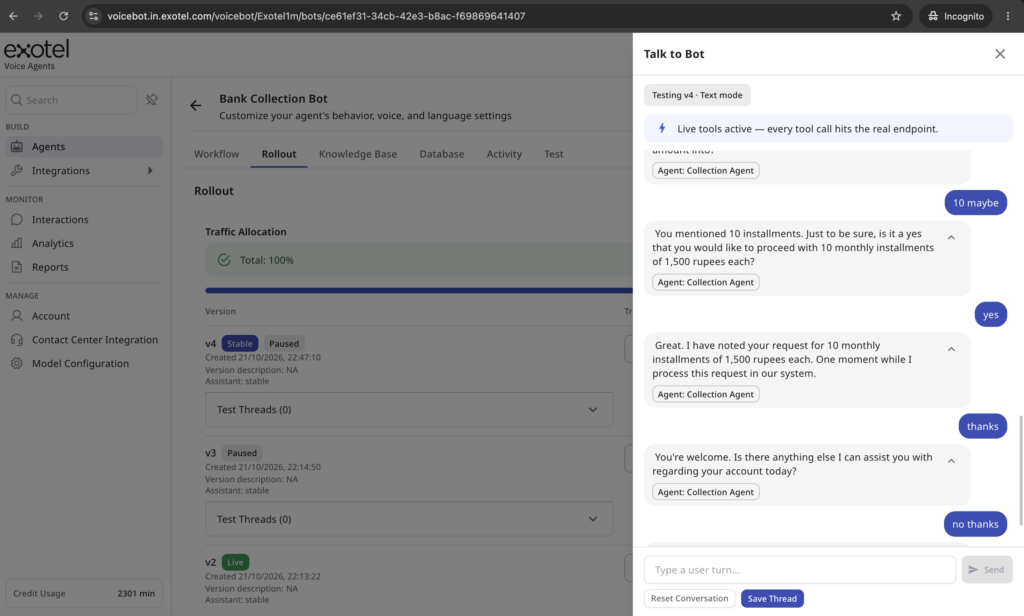
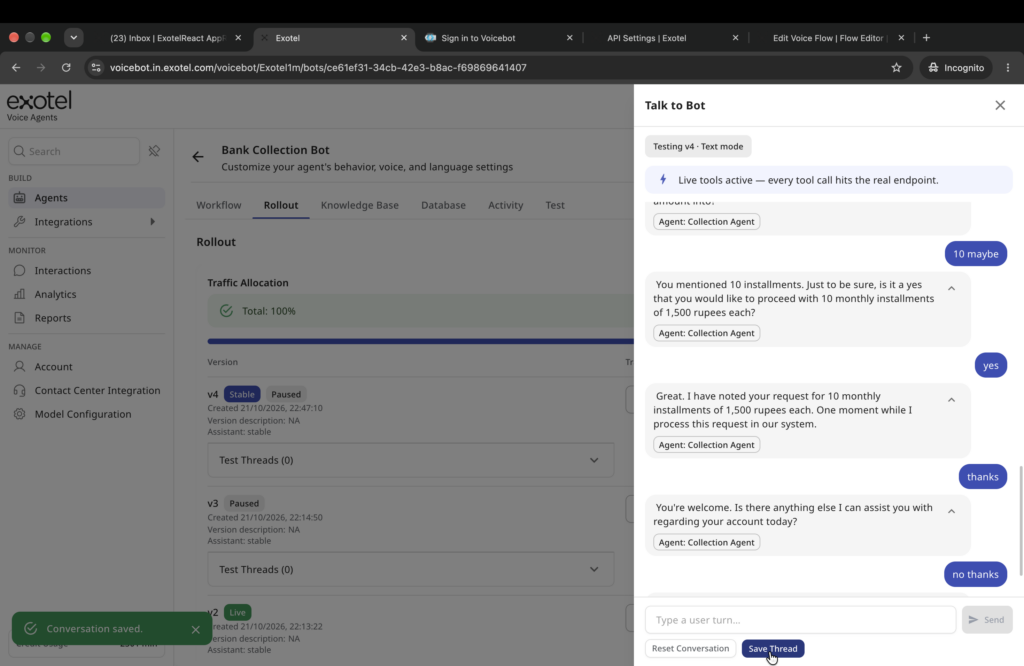
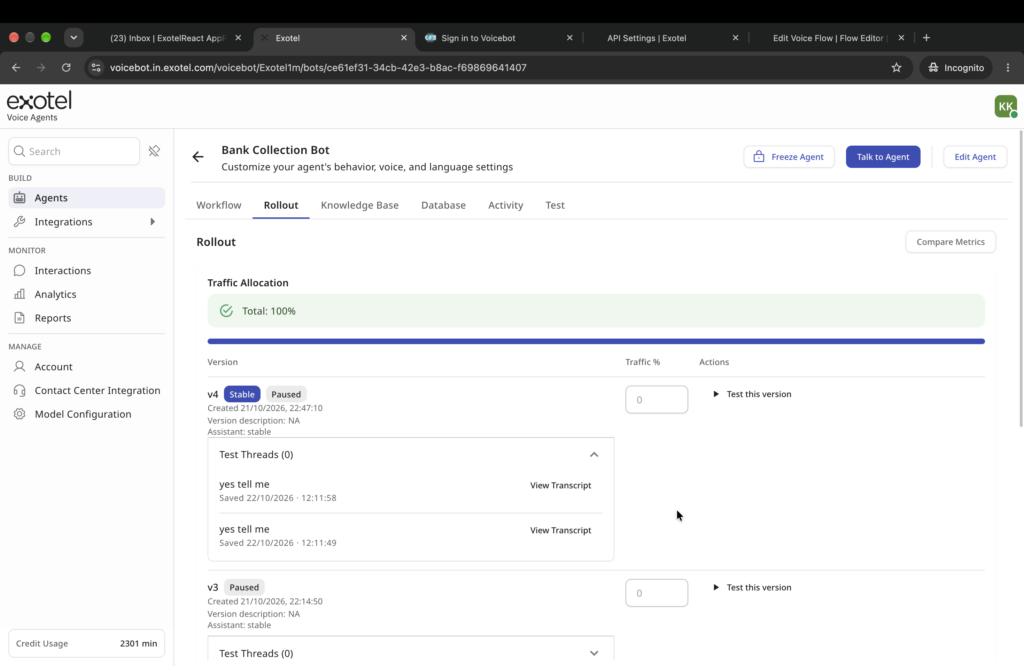
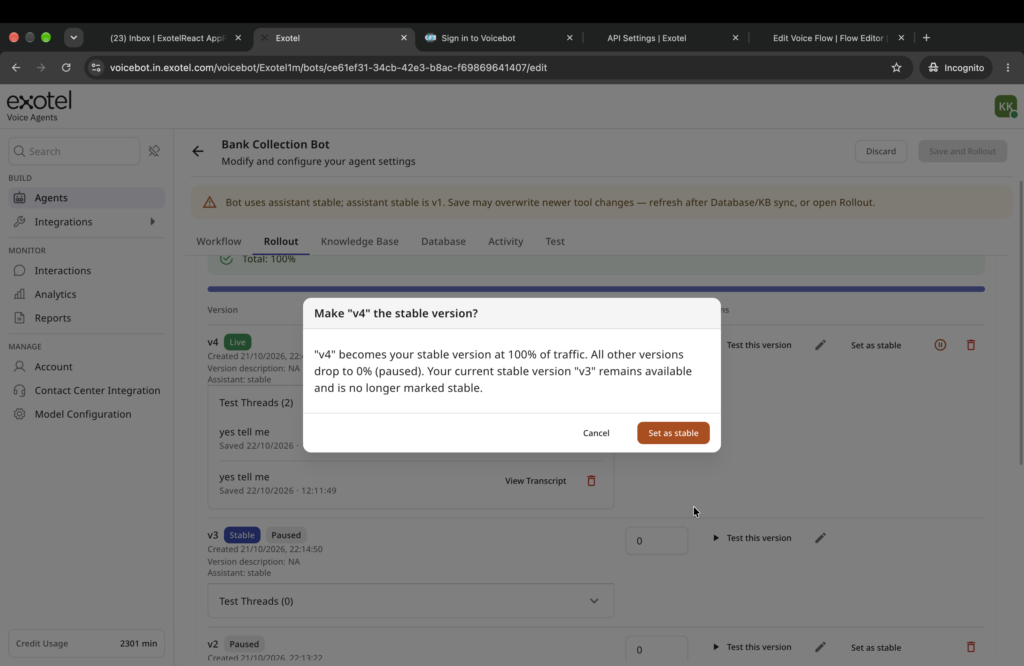
You can test a bot version by typing. From Rollout, open “Test this version” and type what a caller would say. Each turn shows the bot’s reply, the agent that handled it, the intent it detected and the tool calls it made. No phone call is needed. You can save conversations as Test Threads against that version. If you mark a version stable with no saved threads, you’ll get a warning.
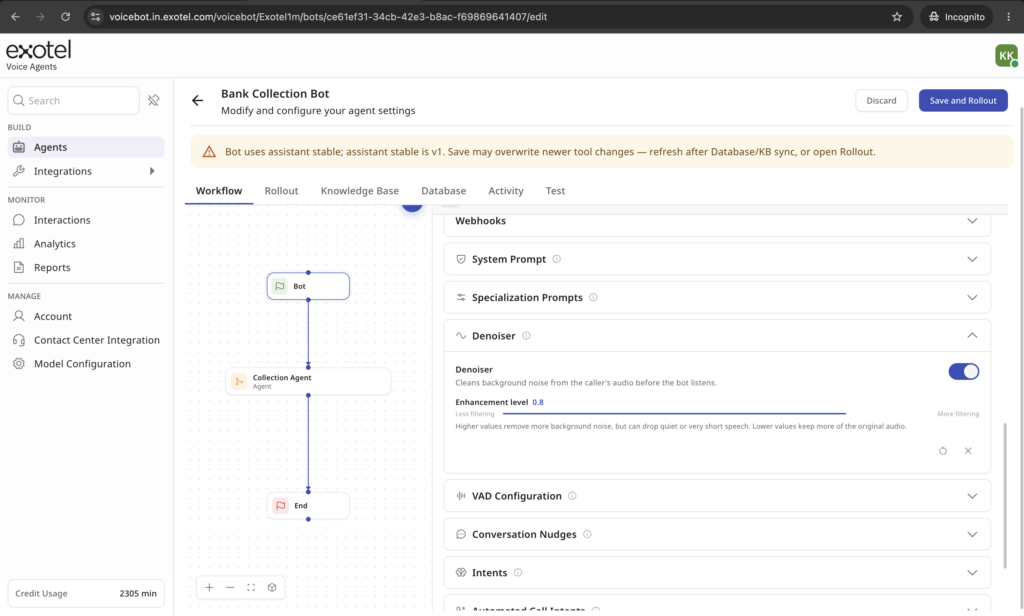
Noise reduction is set per bot. Build Bot has a new Denoiser section. Turn it on or off and set its strength from 0 to 1. How much noise you remove changes how well the bot hears callers, so you can tune it for each line. If the denoiser fails to start, the call continues without it.
Voice detection has presets. Voice activity detection (VAD) now has platform presets, defaults come from the platform rather than the browser, and the sliders move in finer 0.05 steps.
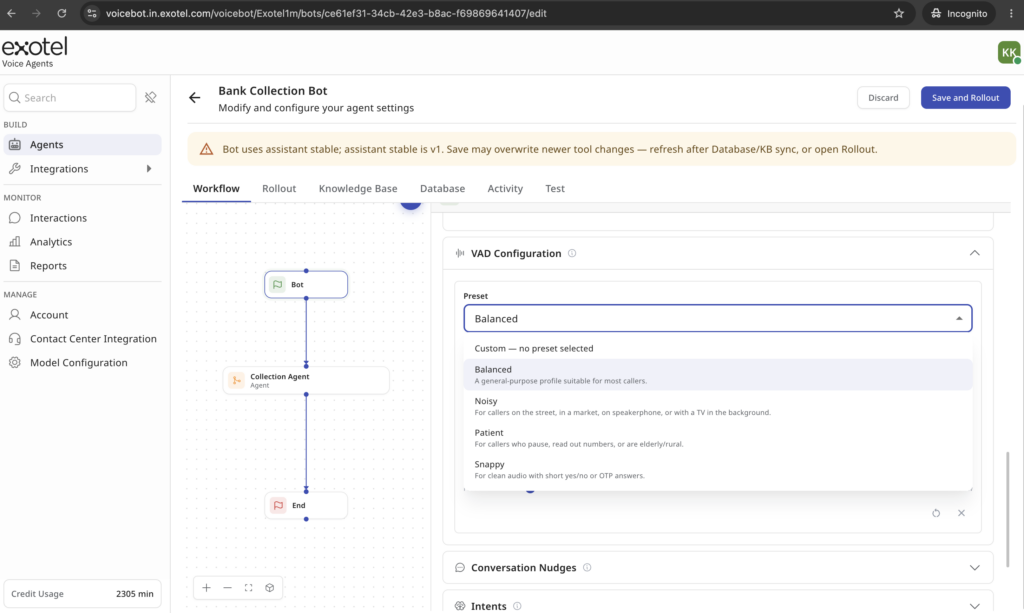
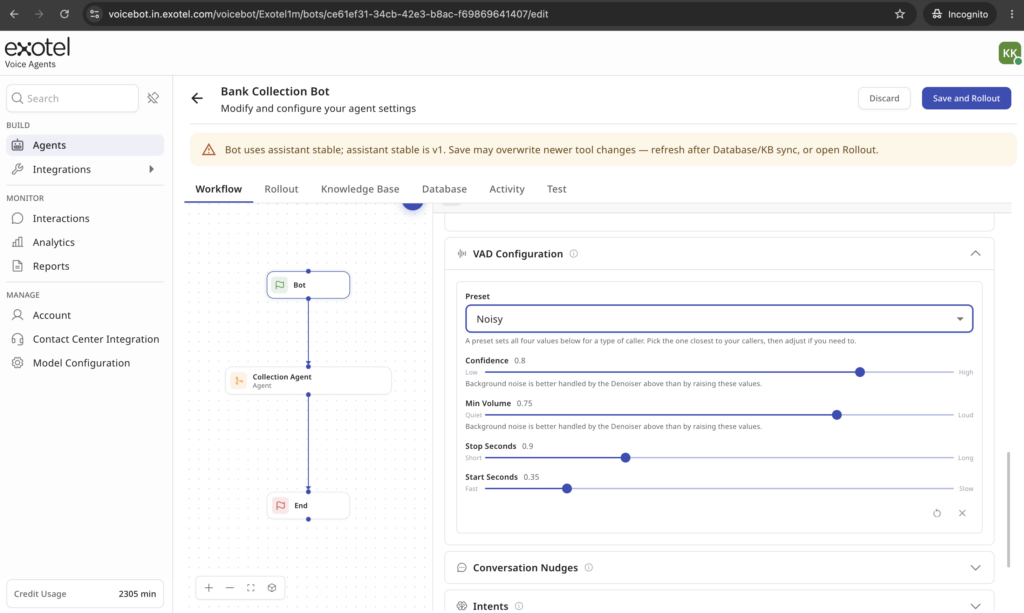
The bot is better at knowing when the caller has finished. A newer turn-detection model is now the default, and it catches more end-of-turns, especially one-word answers. When a caller interrupts, the bot now measures how fast it was actually speaking to work out how much of its sentence the caller heard, instead of assuming a fixed pace.
Prompts can use call details. Parts of a bot’s prompt can be filled from session metadata on each call, so one bot can greet and route callers differently without a separate copy for each case.
What’s next for VoiceBot: custom reports and call evaluations in the console
Last time we said we were building a call evaluator and recommender that reviews every call a bot handles, not a sample. That’s now running on production traffic for some customers. When results show something worth acting on, our internally team gets alerted and follows up.
Next, you’ll see those results yourself. Each bot’s evaluations, errors and recommendations will appear in the VoiceBot console as a beta, so you don’t have to wait for us to tell you.
We’re also working on custom outputs in Interaction History. You’ll define what to pull from each conversation, such as a reason for calling, a promise-to-pay date or a lead score, and see each one as a column in your reports and on the bot dashboard.